
- Find an item on the W2C spreadsheet and copy its product link.
- Paste that link into CSSBuy to place the order and pay for the item plus domestic shipping.
- Review the QC photos CSSBuy takes in its warehouse before you send anything abroad.
- Submit the parcel, choose an international line, and pay the final shipping fee at checkout.
New to buying reps with CSSBuy? This guide takes you through the entire journey — using the spreadsheet to find items, ordering through an agent, checking QC photos, and shipping your haul home — with the official CSSBuy video and step-by-step images. Updated for 2026.
Official CSSBuy introduction video. Prefer reading? The full process is written out below.
What is the CSSBuy spreadsheet?
A CSSBuy spreadsheet is a curated list of product links you order through the CSSBuy shopping agent. Instead of hunting across dozens of Chinese marketplaces, a good spreadsheet gathers vetted items in one place, each with a direct link, a reference price, and community QC photos so you know exactly what you are getting before you pay. Browse thousands of curated finds by category on our partner catalog, W2CSpreadsheet.com.
How to use the CSSBuy Spreadsheet
Finding and buying a product from the spreadsheet takes just a few clicks:
Find your item
Use the search bar or browse any category to find a product you like on the spreadsheet.
Open the details
Click through to the item to see photos, the reference price and QC context.
Choose your agent
Pick the shopping agent you want to use. New to agents? Compare them first on our agent guide.
Buy — or cart it
Hit Buy to order through your agent. Using LoongBuy? One-click import your whole cart straight into LoongBuy — super convenient for big hauls.
Follow the checkout
Complete the order using your agent’s simple buying guide — sizes, address and payment.
Get it & review
When your haul arrives, don’t forget to leave us a review of your finds!
The official CSSBuy order flow
Once your order reaches CSSBuy, here’s the official six-step “Buy For Me” process, straight from CSSBuy:
Select item
Paste a product link into CSSBuy and open it.
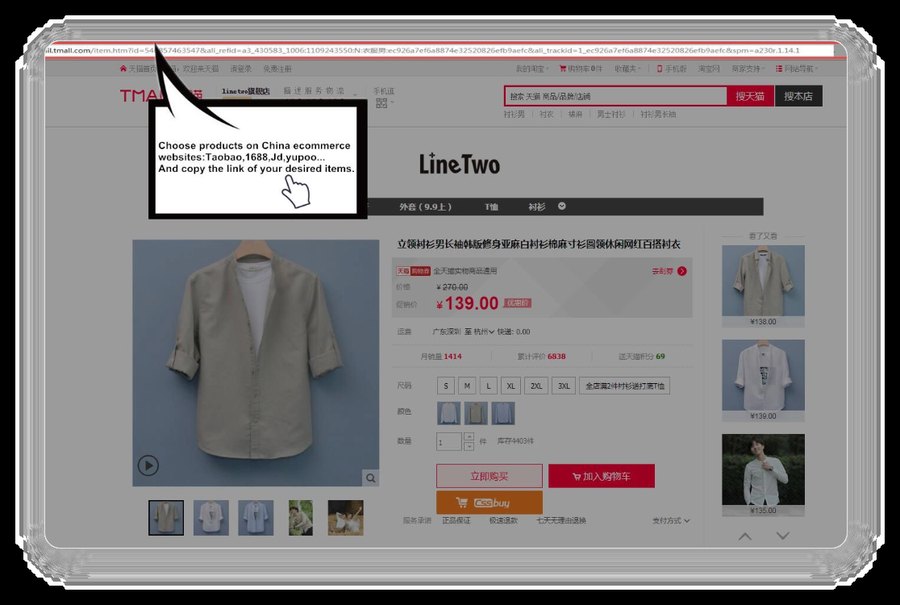
Submit order
Choose size, colour and quantity, then submit your order.
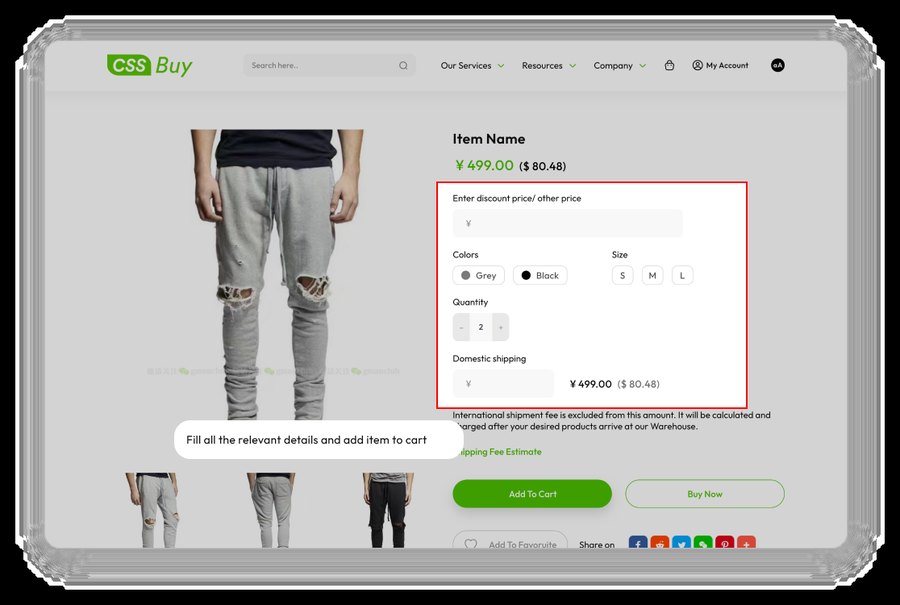
CSSBuy purchases
CSSBuy buys the item from the seller into its warehouse.
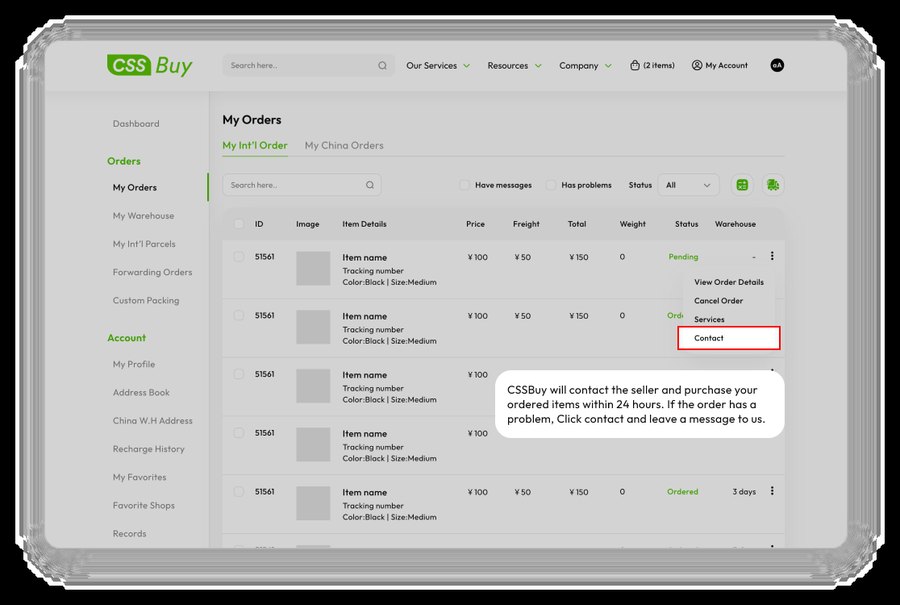
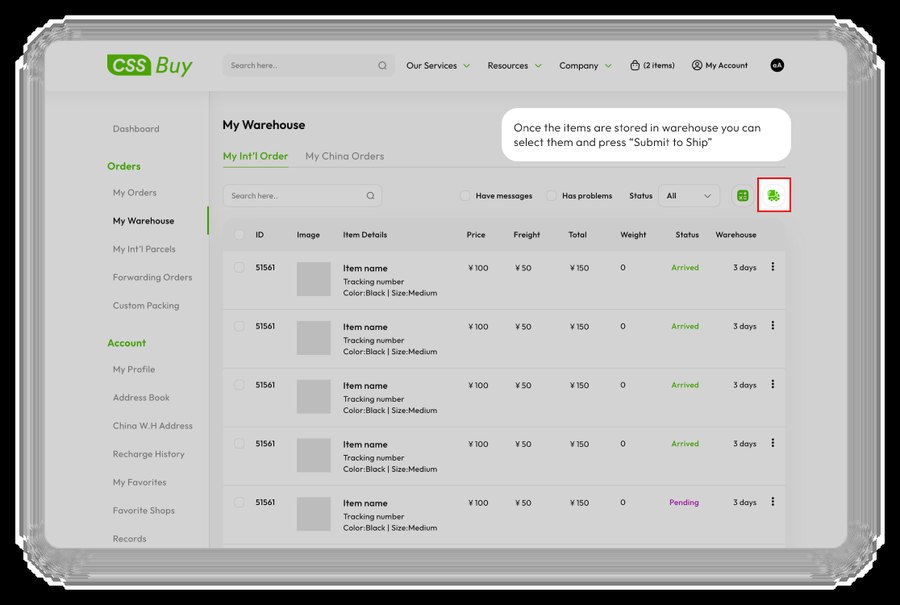
Submit for delivery
Review QC photos, then submit and consolidate your parcel.
CSSBuy delivery
CSSBuy packs and ships your haul on your chosen line.
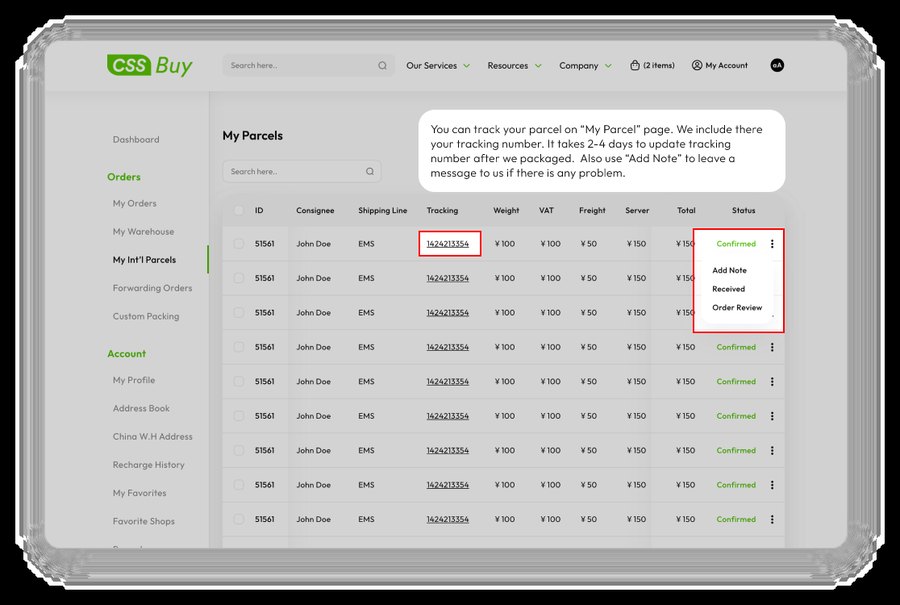
Delivery & review
Receive your parcel, check it against QC, and review.
Understanding QC photos
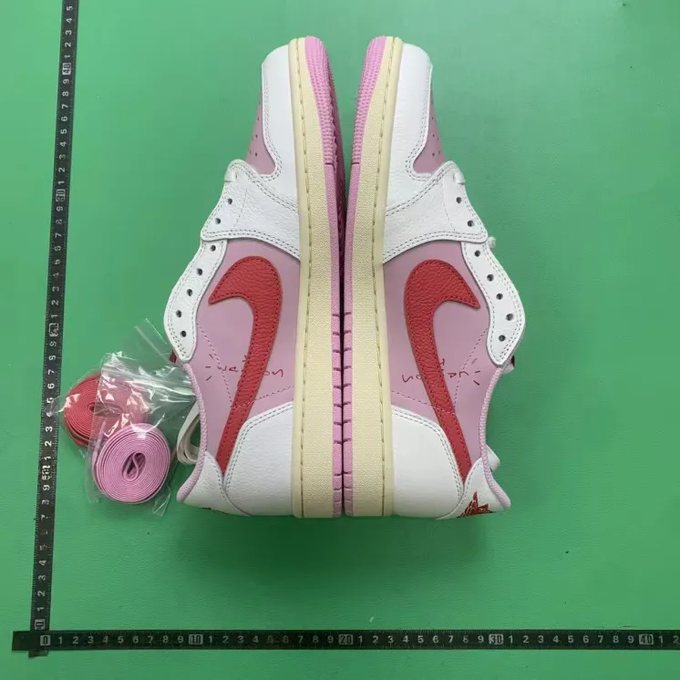
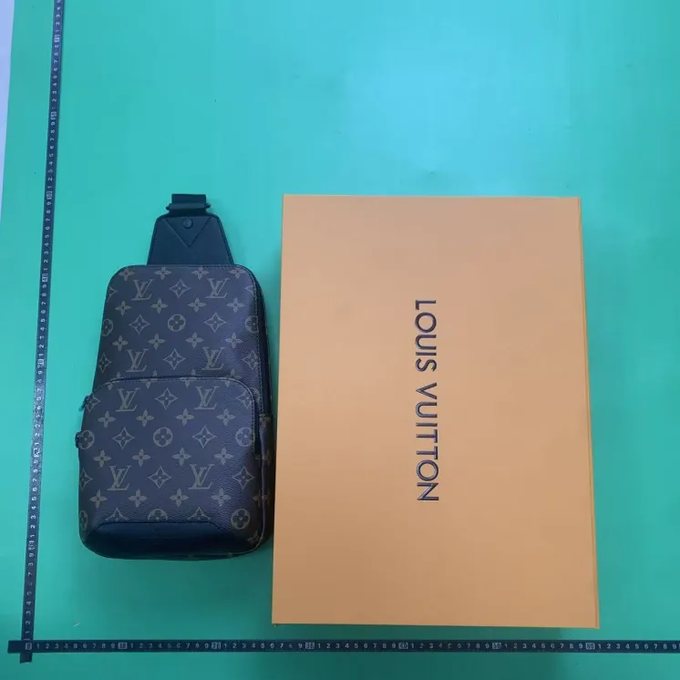
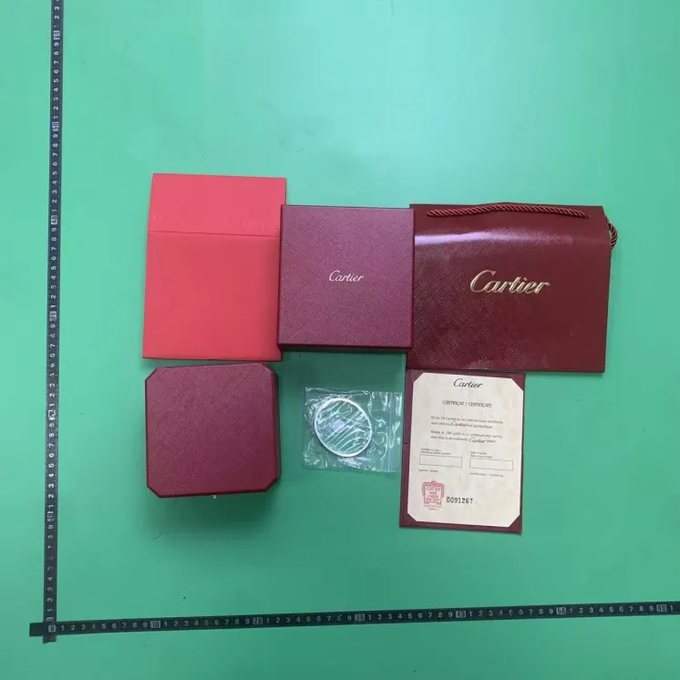
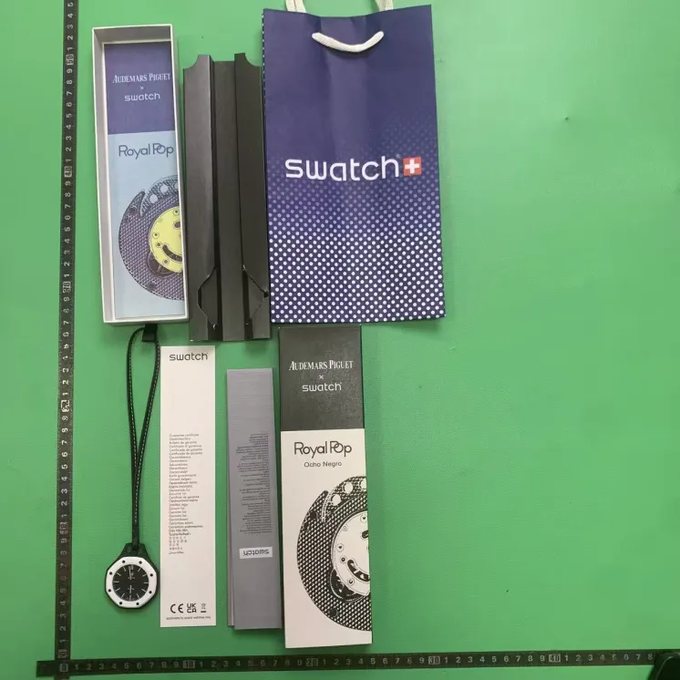
QC (quality-check) photos are pictures the warehouse takes of your actual item before it ships. Zoom in on stitching density, check logos are centred and correctly spaced, and compare colours against the original listing under natural light. If anything looks off, request a refund or replacement while the item is still in the warehouse — never approve an item you haven’t inspected. Here are real QC photos as an example:


Shipping, lines & fees
Your total cost is the item price plus a shipping line chosen by weight and destination. Lighter, consolidated parcels cost less per item, so most shoppers batch several finds into one haul. Common options:
| Shipping line | Typical speed | Best for |
|---|---|---|
| Dedicated EU / US line | ~7–12 days | Priority customs clearance for Europe & the US |
| EMS | ~7–15 days | Wide country coverage, balanced cost |
| DHL / express | ~4–8 days | Fastest delivery when speed matters most |
| YunExpress / economy | ~10–20 days | Lowest cost on heavier, non-urgent hauls |
Two features worth knowing: consolidation combines separate warehouse parcels into one to cut international shipping, and vacuum packaging compresses clothing to reduce volumetric weight. Shipping coupons can further lower the final bill at checkout.
Golden rule: always review QC photos and confirm your consolidated weight before paying for international shipping. Most issues are solved while your parcel is still in China.
Tips to shop safely
- Start with a small first order to learn the full flow before building a large haul.
- Stick to curated, community-vetted links rather than random listings.
- Keep a running note of item weights — shipping is priced by weight.
- Store items free at the warehouse and consolidate to save on shipping.
Questions? See our Help & FAQ or the latest News & Updates.